
PlayTS
A modern and completely client-side environment for TypeScript editing and execution, featuring instant preview and automatic UML diagram generation.
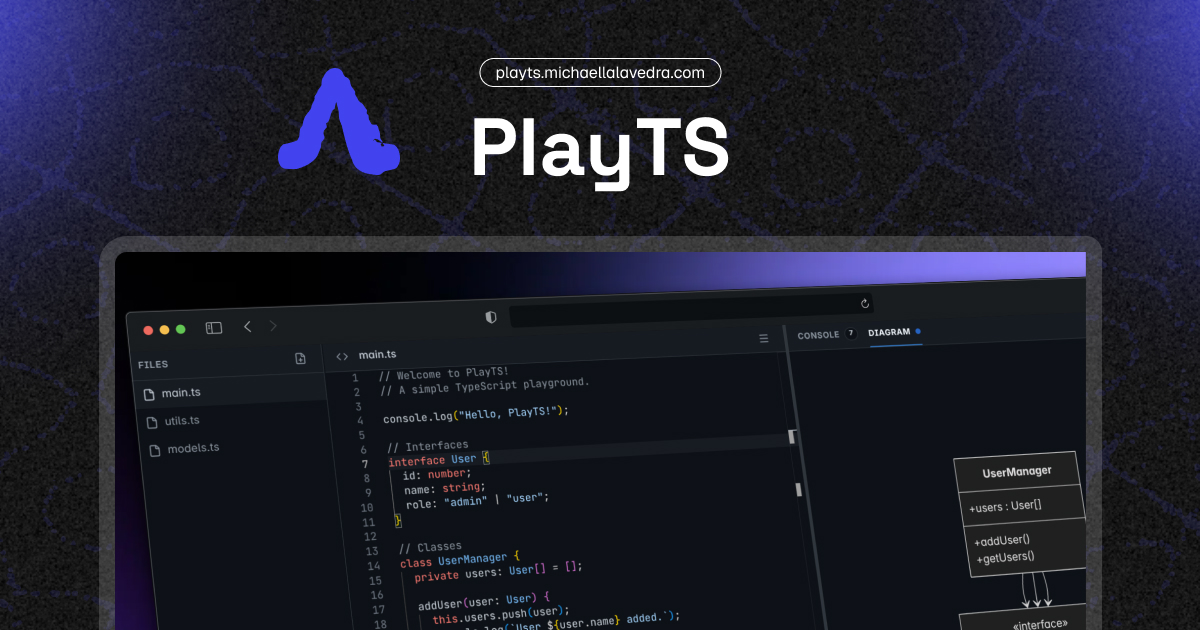
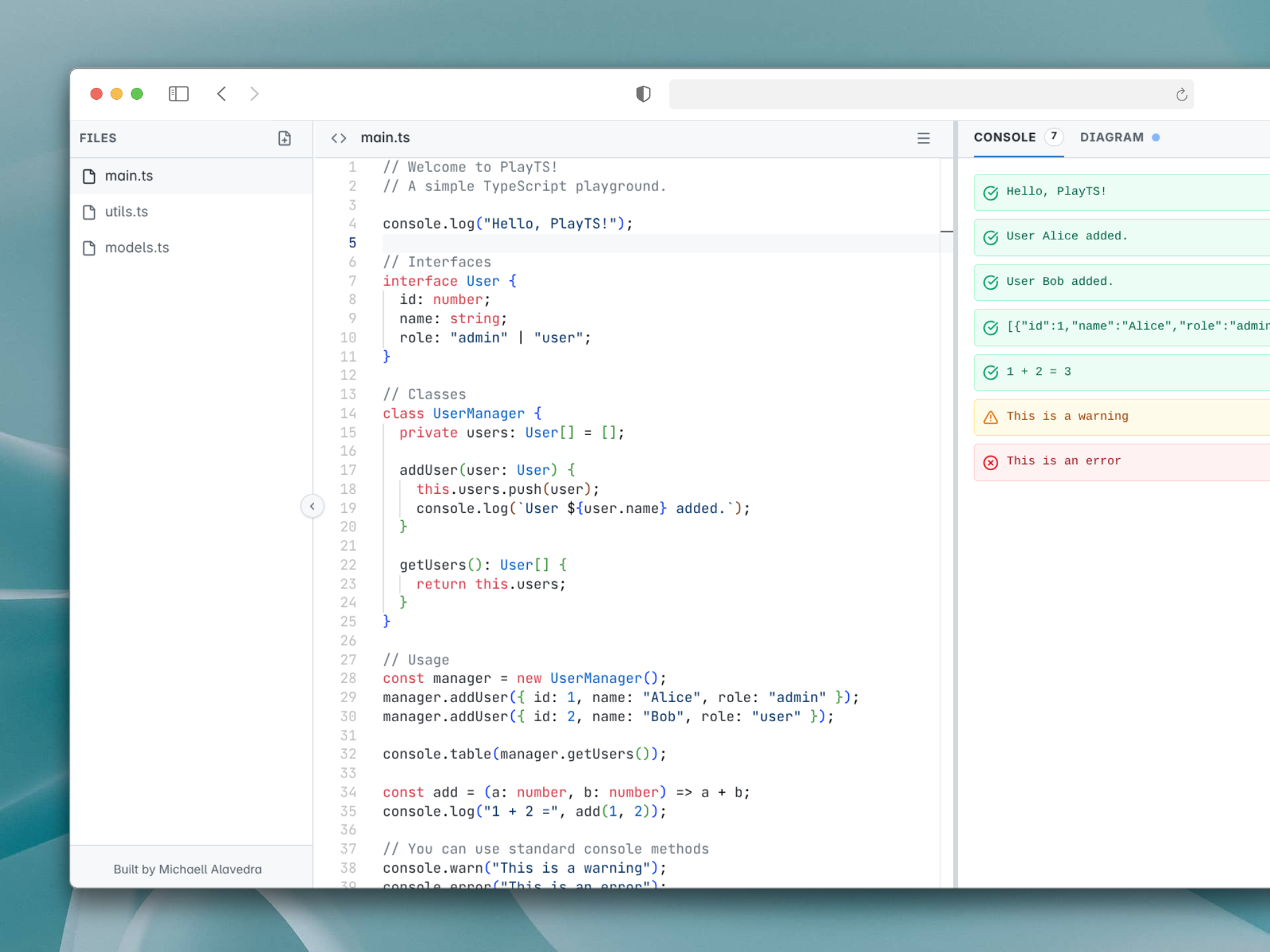
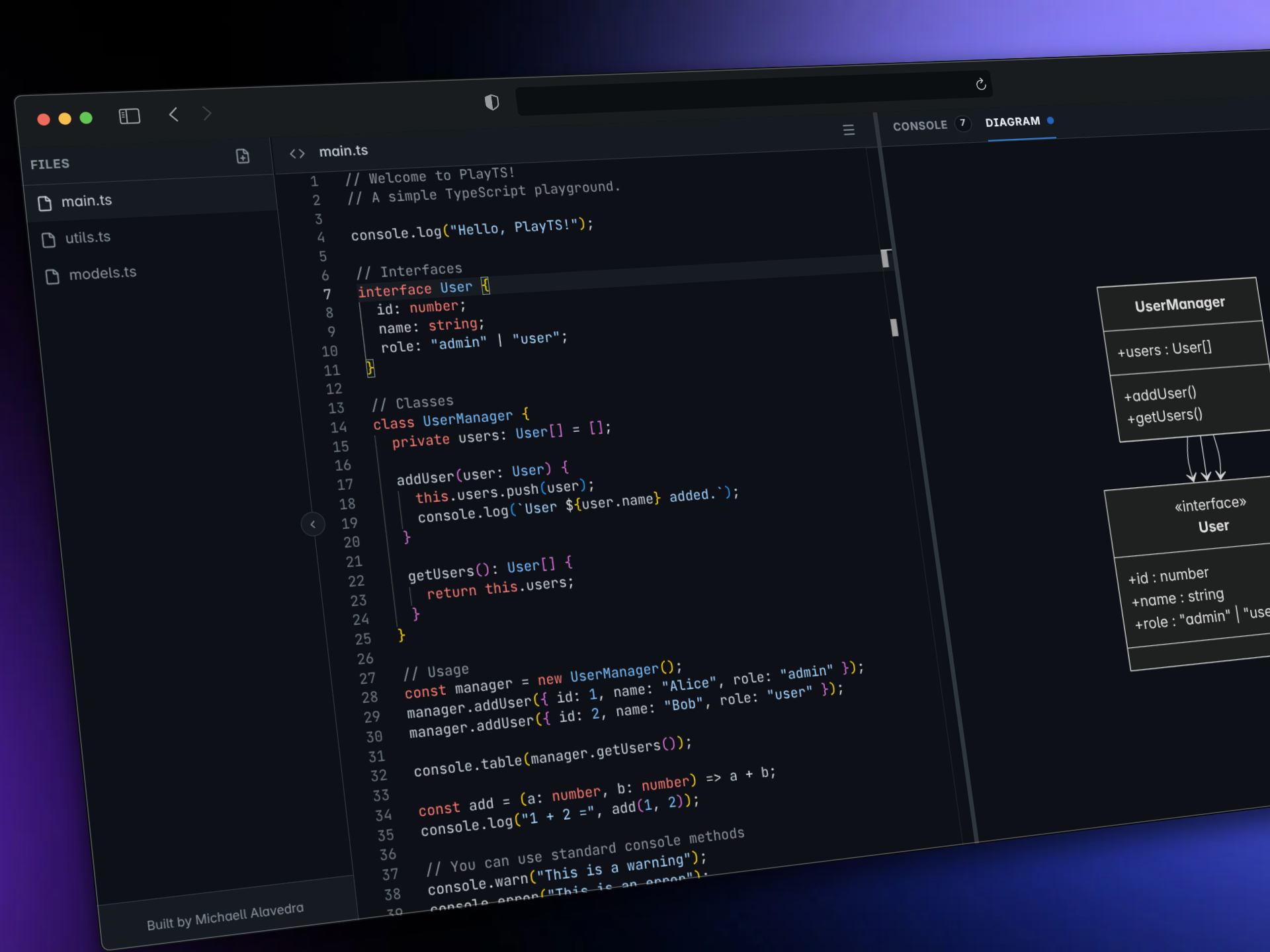
PlayTS is a TypeScript development and execution environment designed entirely to operate on the client-side. My goal with this tool is to resolve the inherent friction in quickly validating programming logic, prototyping data structures, and visualizing software architecture, without requiring local environment setup or deployments to remote servers.
The core workflow of this tool allows users to write TypeScript code in an integrated editor, and through real-time evaluation, observe both standard execution output (logs and errors) and the automatic generation of class diagrams. This is achieved by parsing the Abstract Syntax Tree (AST) of the provided code, offering immediate structural visibility of the relationships between classes, interfaces, and data types. Additionally, the project state can be persisted locally or serialized through URL code compression, facilitating the stateless distribution of logic snippets.
General Architecture
The application follows a thick-client architectural model with no dependency on a traditional backend. This technical decision eliminates network latency in compiling and evaluating code, offloading the computational weight to the end-user’s browser.
graph TD
    A[User / UI Interface] --> B(Main Thread)
    B -->|PostMessage: TypeScript Code| C(Isolated Web Worker)
    C -->|AST Parsing & Transpilation| D{TypeScript Compiler API}
    D --> E[JS Sandbox Execution]
    D --> F[Mermaid.js Generator]
    E -->|Intercepted console.* Output| G[Log Manager]
    F -->|Classes, Interfaces, Relationships| H[Generated UML Diagram]
    G -->|PostMessage: Results| B
    H -->|PostMessage: Results| B
The separation between the graphical interface and code execution is implemented through isolation in a Web Worker. This prevents blocking the main thread during intensive processes, such as TypeScript transpilation or accidental infinite loops introduced in the code, ensuring that the Monaco editor and the React UI maintain a high refresh rate.
Data Modeling and State Management
State management relies exclusively on the browser storage layer (Local Storage) and in-memory representation during the active session. I structured the storage to retain editor settings, layout preferences (resizable split panel sizes), and a virtual file system in a structured dictionary.
erDiagram
    LOCAL_STORAGE {
        String playts-files-v2 "Dictionary [file_name: code_content]"
        String playts-active-file "Focused file identifier"
        Object playts-settings "Monaco editor settings"
        String playts-theme "Dark/light UI state"
    }

    IN_MEMORY_STATE {
        Array logs "Stack of intercepted console events"
        String diagram "Text string with Mermaid.js syntax"
        String shareUrl "Generated URL with LZ-String hash"
    }

    LOCAL_STORAGE ||--o{ IN_MEMORY_STATE : "Initializes / Hydrates"
State Serialization and Sharing
For the code sharing mechanism, I opted for a stateless serverless approach. The complete set of files is encoded in JSON format, compressed using the LZ-String algorithm to reduce its character footprint, and embedded in the URI within the hash fragment (#). Upon loading the application, the state is hydrated by decrypting and injecting this payload directly back into the client’s execution environment.
Technology Stack
Below is a detailed breakdown of the technologies forming the foundation of the project and the specific role of each in the architecture.
| Technology | Architectural Role | Technical Justification |
|---|---|---|
| Astro | Core Framework / PWA | Performance-oriented base structure, static routing, and entry point for hydrated components. |
| React 19 | Interface Layer (UI) | Management of the reactive state of complex components such as the virtualized editor and resizable panels. |
| Monaco Editor | Code Editor | Provider of syntax highlighting, autocompletion, and native TypeScript type validation. |
| TypeScript API | Transpiler & AST | Locally integrated (typescript.min.js) in the Web Worker for runtime transpilation and structural metadata extraction (AST) for diagrams. |
| Mermaid.js | Visualization Engine | Declarative rendering of inheritance and association relationships previously extracted from the AST. |
| LZ-String | Compression Algorithm | Efficient serialization of code state for sharing link generation without requiring a dependency on an external database. |
| Tailwind CSS v4 | Styling Engine | Standardization of visual components using functional utility classes, minimizing specificity and residual CSS. |
The Progressive Web App (PWA) encapsulation using Workbox and @vite-pwa/astro ensures that the entire application (including TypeScript binaries and the Monaco editor) is available for continuous offline use, consolidating the self-sufficient nature of the client architecture.
Conclusion
The implementation of this environment demonstrates the technical viability of shifting computational workflows traditionally tied to the server directly to the client layer. By orchestrating Web Workers for asynchronous processing, analyzing abstract syntax trees for architectural visualization, and persisting data via URLs without server state, any backend infrastructure dependency is eliminated. This architectural design neutralizes operational costs and network latency, ensuring an uninterrupted and fully autonomous execution environment in the browser.