
DB Designer
Tool for the creation, visualization, and management of Entity-Relationship Diagrams (ERD)
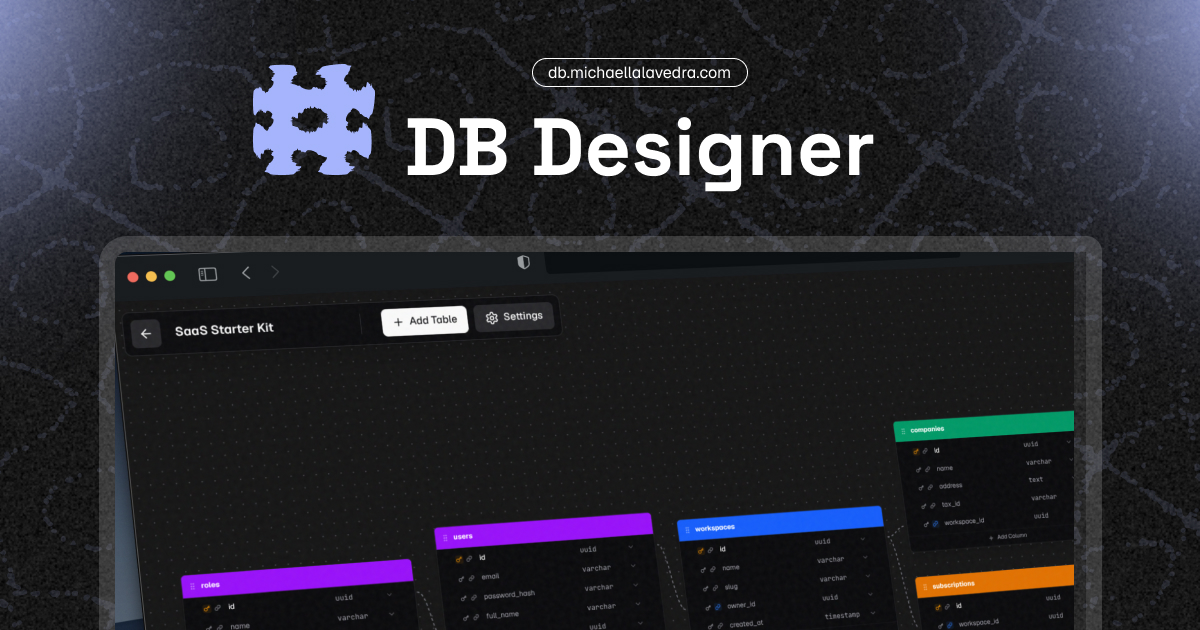
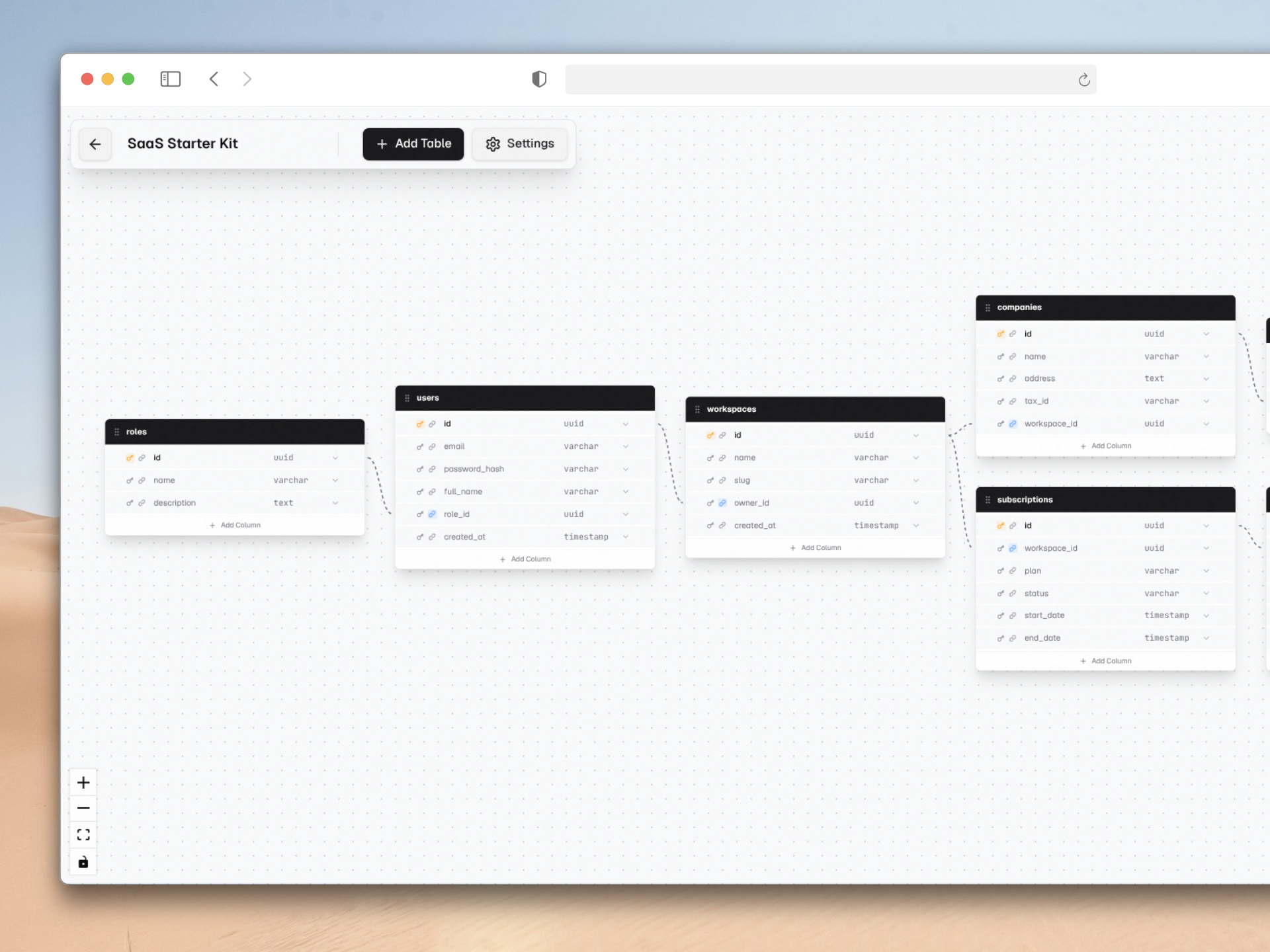
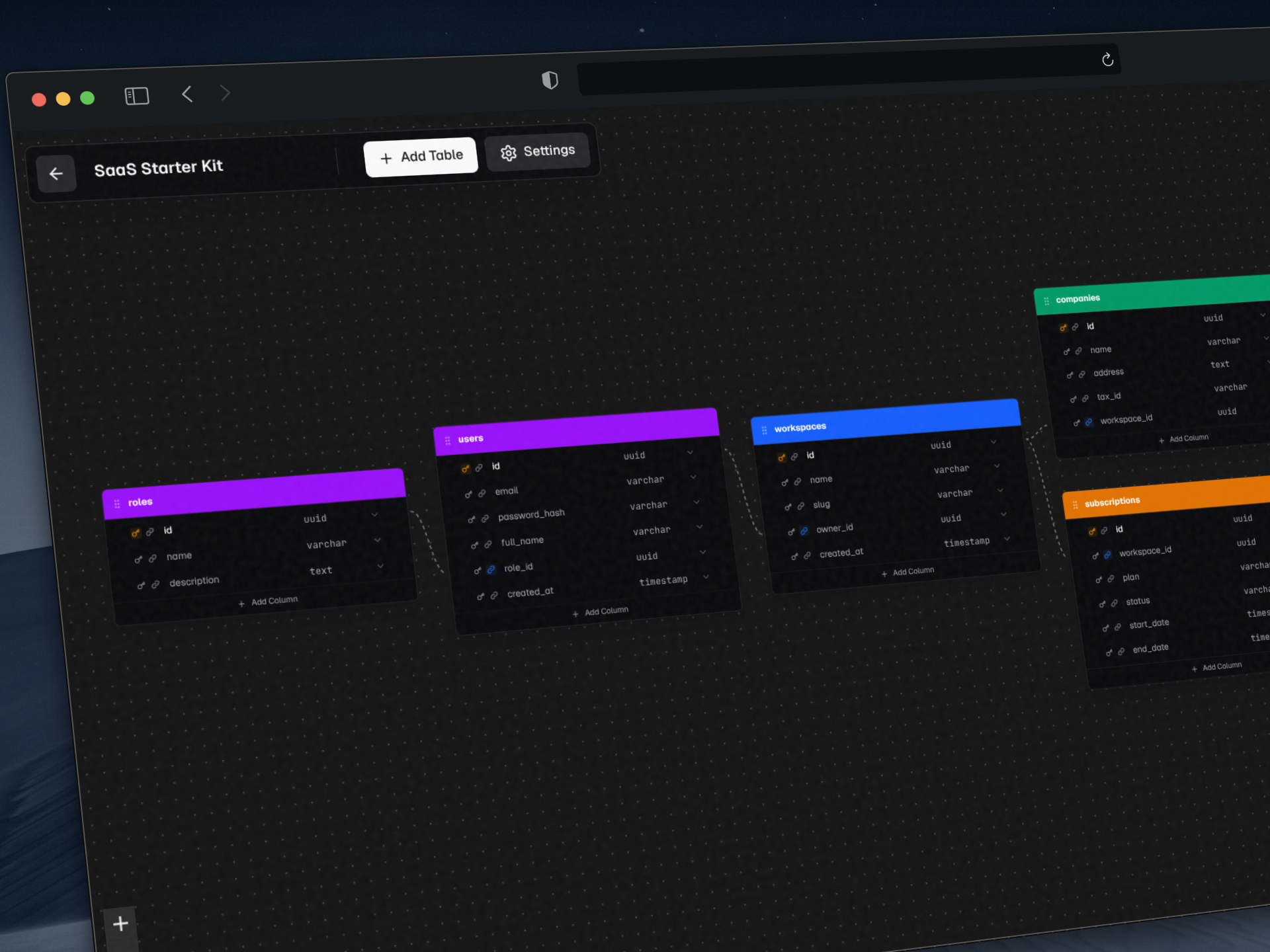
In this document, I detail my architectural analysis, design patterns, and technical decisions implemented in DB Designer, a client-side tool geared towards the creation, visualization, and management of Entity-Relationship Diagrams (ERD).
Utility and General Operation
The primary purpose for which I built DB Designer is to resolve the need to model database schemas quickly, visually, and without depending on cloud infrastructure. Often, I observe that database design tools require complex configurations, user accounts, or connections to real databases. I decided to mitigate this barrier by designing the system to operate completely offline and persist information locally using IndexedDB.
The core workflow I structured is straightforward:
- Initialization: The user accesses the main dashboard, where they can view previous projects or initialize a new one (either from scratch or using predefined templates).
- Visual Modeling: In the editor I programmed, the user adds nodes representing tables. I implemented dynamic field addition in each table, allowing specifications for its name, data type, and whether it acts as a Primary Key (PK) or Foreign Key (FK).
- Interactive Relationships: When connecting nodes, my system automatically generates visual representations of relationships (e.g., 1:N) by inferring semantics from the graphical connection. I developed an intelligent routing system (Smart Edges) to visually optimize the placement of connection points.
- Visualization and Export: The user can preview the generated SQL code based on the visual model and export the entire diagram as an image, a feature I added to ensure the design can be easily integrated into external documentation.
Deep Dive into Architecture and Models
I conceived this project under a client-side architecture focused on browser autonomy, leveraging the capabilities of Next.js App Router but shifting the computational and storage weight entirely to the client side.
General Architecture
The application design I created reflects key patterns to maintain decoupled, maintainable, and efficient code:
- Local-First Architecture: I delegated data persistence entirely to the user’s browser using
IndexedDBthrough theidblibrary. I integrated this to ensure privacy by design, low latency, and offline availability (powered by PWA). I intentionally avoided coupling a backend to manage the central state. - Predictable State Management: I use
Zustandfor global state (such as nodes, edges, undo/redo history) to prevent prop drilling and facilitate the reactive updates required by the interactive canvas (React Flow). - Separation of Concerns: I isolated the visual components (UI) into reusable components (Buttons, Selectors, Popovers). I extracted the mathematical logic for diagrams (auto-layout positioning via
dagreand smart edge calculation) into pure modules located in/app/lib/.
graph TD
    UI[React/Tailwind User Interface] --> RF[React Flow Canvas]
    RF --> |Mutation events| Zustand[Zustand State Manager]
    Zustand --> |Subscription/Save| IDB[(Local IndexedDB)]
    UI --> |Export| H2I[html-to-image]
    UI --> |SQL Preview| Monaco[Monaco Editor]

    subgraph "Business Logic (lib)"
        AutoLayout[Dagre Auto-layout]
        SmartEdges[Connection Calculation]
    end
    Zustand <--> AutoLayout
    RF <--> SmartEdges
Data Modeling and Logic
I consolidated domain model definitions into strict TypeScript types (/app/types.ts), allowing me to guarantee consistency throughout the data flow. I organized the main entities around the structure of an ER diagram:
- Project: The root entity containing diagram metadata (ID, name, creation and update dates) as well as the collection of nodes and edges.
- TableNodeData: The main payload of each React Flow node. It contains the table label, its semantic color, and an array of columns.
- Column: Defines the attributes of a table, including its SQL data type, identifiers, and boolean flags for primary or foreign restrictions.
classDiagram
    class Project {
        +String id
        +String name
        +Number createdAt
        +Number updatedAt
        +AppNode[] nodes
        +AppEdge[] edges
        +EdgeSettings edgeSettings
    }

    class AppNode {
        +String id
        +String type
        +Object position
        +TableNodeData data
    }

    class TableNodeData {
        +String label
        +String color
        +Column[] columns
    }

    class Column {
        +String id
        +String name
        +ColumnType type
        +Boolean isPk
        +Boolean isFk
    }

    Project "1" *-- "*" AppNode : contains
    AppNode "1" *-- "1" TableNodeData : payload
    TableNodeData "1" *-- "*" Column : defines
I handle node state immutably. Interactive events in the interface (such as adding a field by pressing “Enter”) dispatch granular actions that I programmed to update only the relevant segment of my Zustand store.
Technology Stack
The technological decisions I made reflect my focus on advanced interactivity and developer experience:
| Tool | Technical Role in the Architecture |
|---|---|
| Next.js 16.1 (App Router) | Chosen as the base framework for page routing, project structure, and PWA configuration. |
| React 19 | Primary UI library; used to manage reactivity, portal components, and DOM events. |
| Zustand | Used for asynchronous and synchronous global state management. It supports the robust editor Undo/Redo system I implemented. |
| React Flow (@xyflow/react) | Integrated as the central rendering engine for the visual graph editor. It allows me to manage the interactive canvas, nodes, and connections. |
| IndexedDB (idb) | Provides asynchronous local storage in the browser. It supports my local-first persistence decision for the Project model. |
| Tailwind CSS v4 | Utility-based design system; used to handle semantic CSS variables applied to light/dark modes. |
| Monaco Editor | Code editor component integrated to offer a robust preview of SQL syntax. |
| Dagre | Used as an automatic positioning engine (Auto-Layout) for directed graphs, visually ordering complex diagram schemas. |
Impact of Design Decisions
The architecture I designed maximizes response speed in an environment with a high number of rapid interface mutations (dragging nodes, editing interactive text). By applying asynchronous local persistence and a lightweight state manager, I completely avoided network bottlenecks. My extensive use of strict types in TypeScript and separation of layers (isolating presentation from visual geometry computation) ensure that the project maintains high stability. This structure guarantees that I can extend the system in the future, adding new analytical or generative features to database schemas without carrying out destructive refactoring.